AI That Works Even Without Us
You can OWN a blazing fast and smooth Agent app. Switch between your AI services or use local models on your device.
Available on iOS 17+ / macOS 14+ / Supports Apple Silicon & Intel
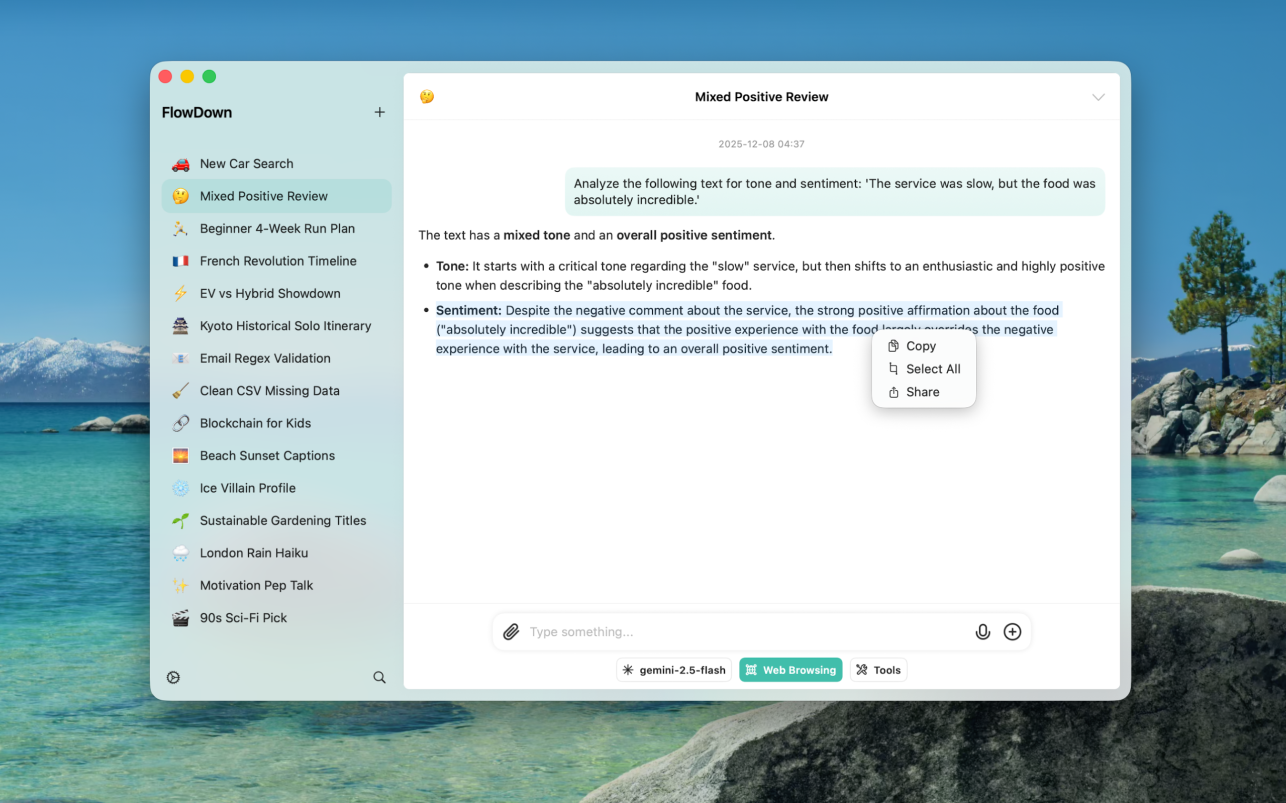
Why Choose FlowDown

Privacy First

Native Performance

Universal Compatibility
Powerful Workflows
Vision Support: Interact with vision-capable models.
Audio Support: Send audio messages to compatible models using attachments.
File Attachments: Add files and documents to your conversations.
Web Search: Grant the AI access to real-time information from the web.
Reusable Templates: Save and quickly reuse your favorite prompts.
Shortcuts Integration: Deep integration with system Shortcuts for automating your workflows.
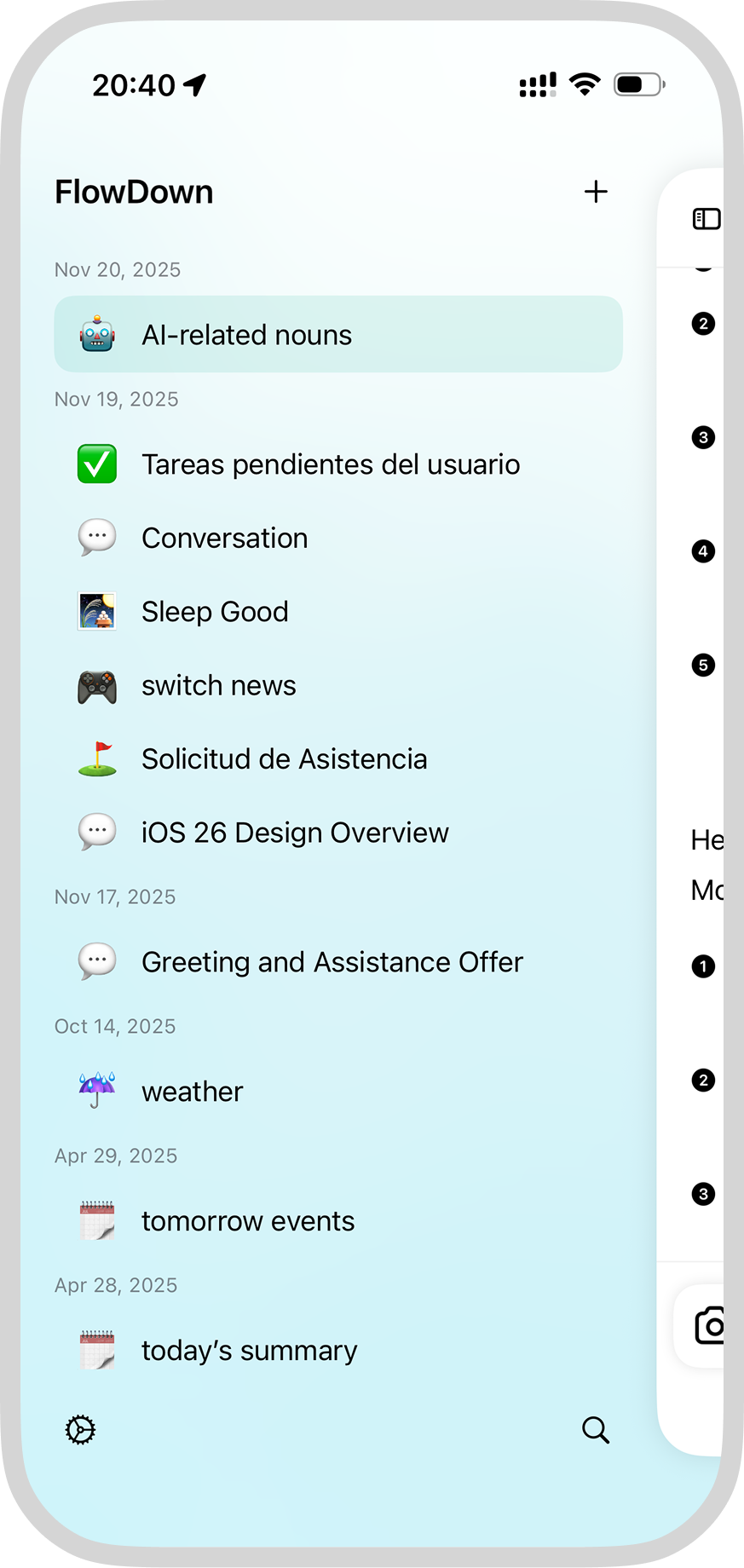
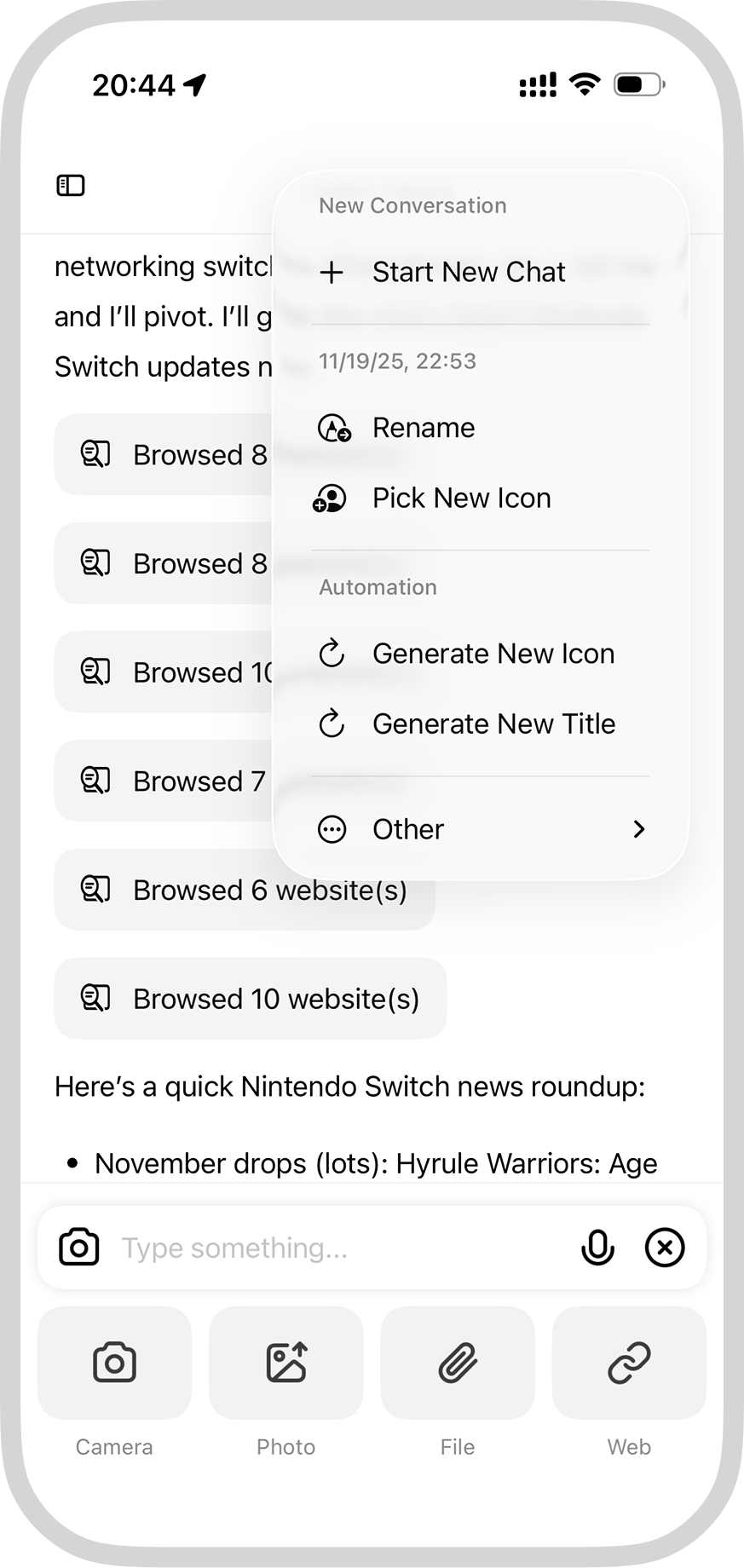
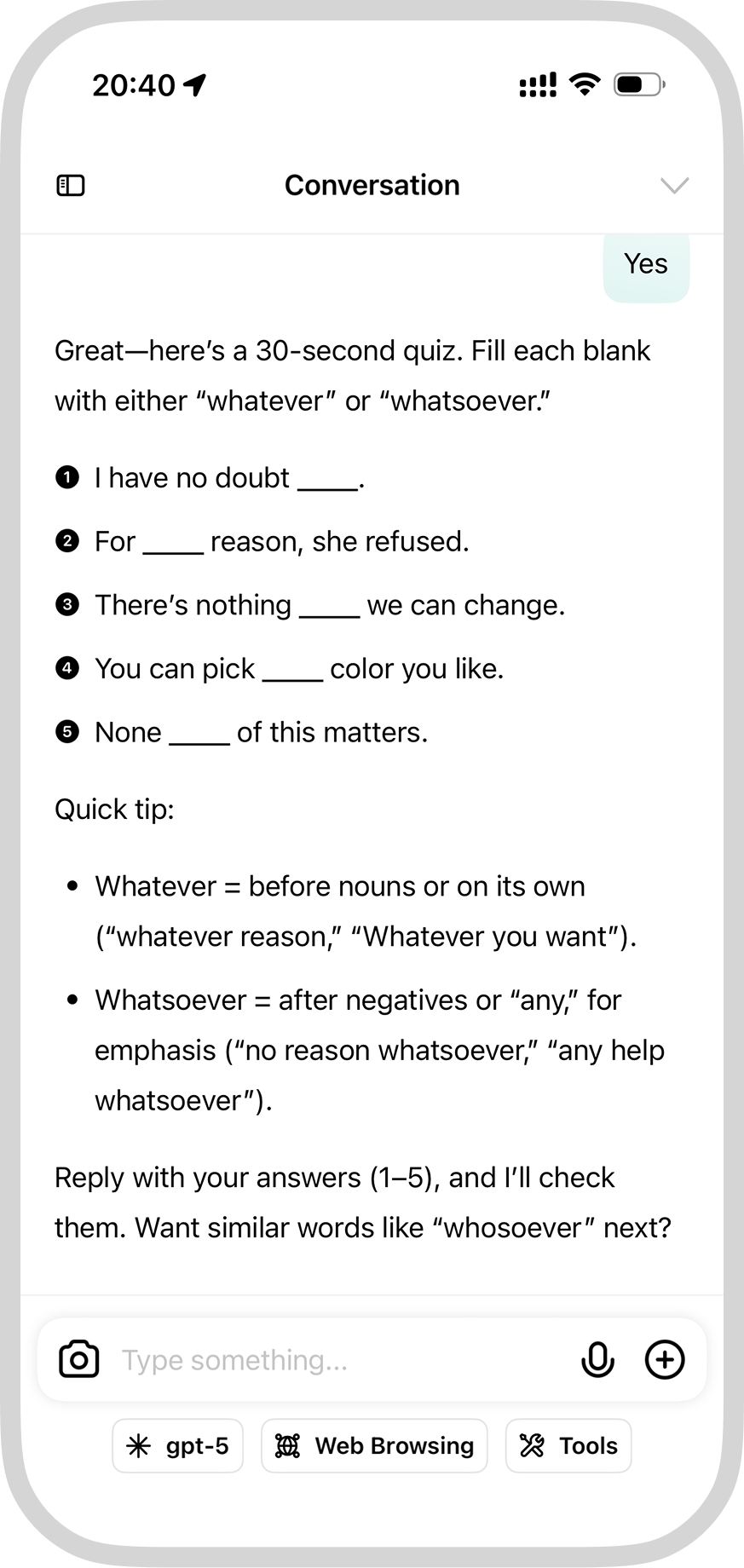

Rich User Experience

iCloud Sync

Open Source Compatibility
Frequently Asked Questions
FlowDown supports all models compatible with OpenAI API format, including:
- Built-in free models: Ready to use without configuration
- Major service providers: OpenAI, Claude (via OpenRouter), Alibaba Cloud, ByteDance, etc.
- Local models: Support for Ollama and MLX local deployment
- Custom interfaces: Any service compatible with OpenAI API

FlowDown provides native app support across all platforms:
- macOS: Full-featured desktop application
- iOS: Mobile app optimized for iPhone
- iPadOS: Tablet app adapted for iPad
All versions are native applications, not web-based, ensuring optimal performance and user experience
LEARN MORE →
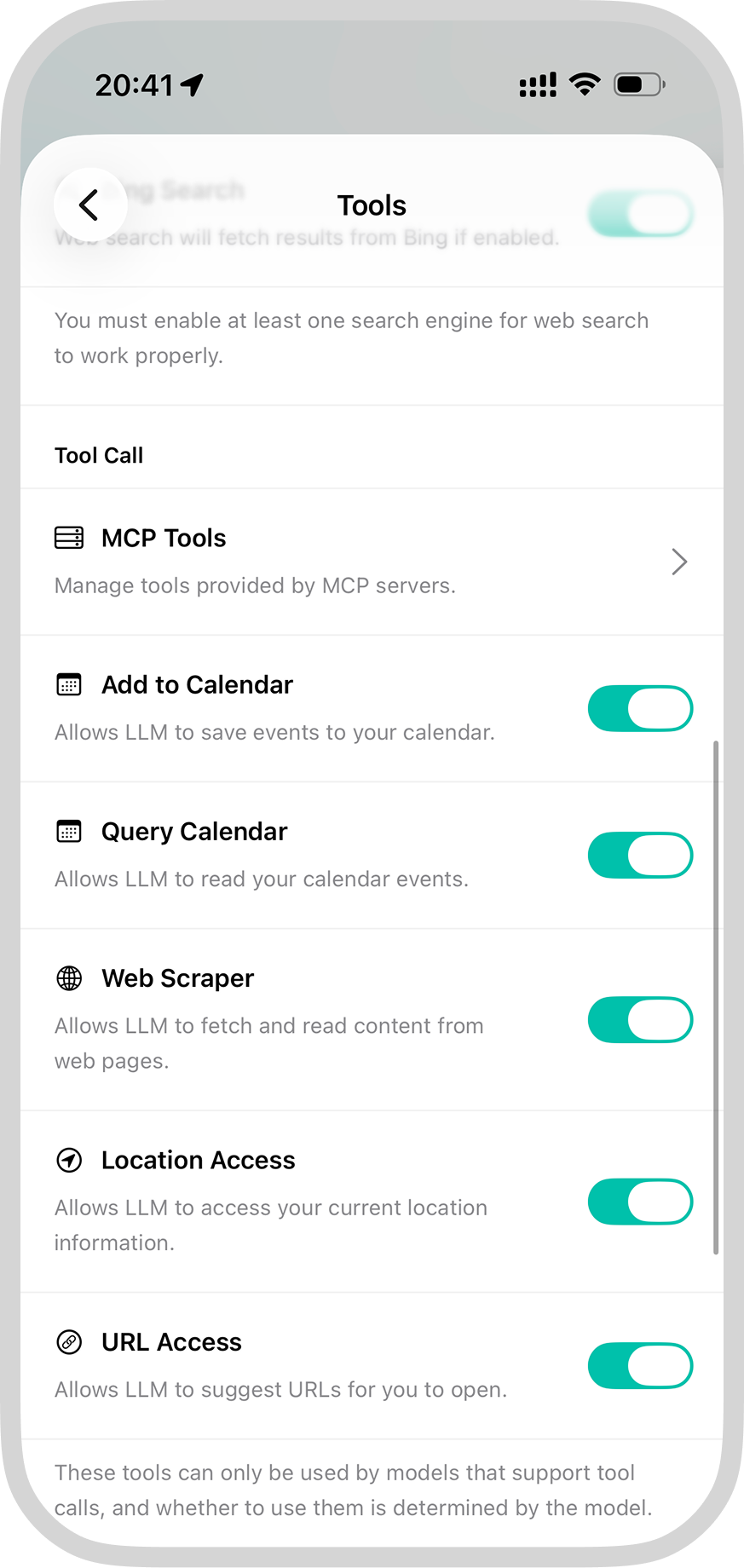
FlowDown supports powerful Tool Call functionality:
- Web search: Real-time access to latest information
- Document processing: Analyze and process various file types
We recommend using models like Gemini Flash for the best tool calling experience
LEARN MORE →
- Local storage: All conversation data is stored on your device
- No data collection: FlowDown does not collect or store your conversation content
- Direct connection: Communicates directly with AI service providers without intermediaries
- Open source transparency: Code is open source to ensure transparency

- Zero configuration: Built-in free models, ready to use after download
- Custom configuration: Support for adding your own API keys
- Import/Export: Support for importing and exporting model configurations
- Technical support: Provides detailed configuration guides and community support

LOVE FROM OUR USERS
The performance of FlowDown is amazing! I was truly impressed by the rendering performance, even during the beta testing stage - it's significantly better than the native official ChatGPT app. I also hold a similar attitude with the developer (or project leader), toward the concept of native app & privacy. As someone who has been using this app since literally day one, I can really see the effort the team has put into it. The project leader is active in the Discord group, constantly working to fix bugs and add new features. That said, there are still a few frustrating issues. I have to admit that the process to add a model from external service provider is way too complicated. I understand this is partly due to Apple's restrictions, but I really hope a more streamlined solution can be found. Also, the macOS app is not 'that' native. While the performance is solid, the user interface doesn't fully align with the desktop experience-especially the right-click menu and the settings page, which feel out of place.
ChrisLloy from App Store
FlowDown really is the most fluent LLM client I've ever used. The smoothness of the app experience cannot be matched by any other app. Developer's support response is remarkably fast compared to others on Discord. Overall, I do think it has great potential for more additional features in future updates. Truly having a great time with it.
Veg-Soup from App Store
Super easy to use It's really cool that the shortcut command can directly get the content of the reply, and you can do a lot of things. And it supports custom API, and basically can access all models, which is simply invincible.
ねこにゃう from App Store (Translated)
The best app on the market for using LLMs with multiple inference providers.
wowlocal from App Store
I am seeking for such app support mobile platform + web search + multiple providers + ChatGPT liked UI/UX (Concise + Native) for such a long time. Saw it on Twitter and bought it immediately. That’s exactly what I eager for. I am now being able to use it to alternate all kinds of Chat Apps on my iPhone since it provides all great features. Thanks
Danielzmeow from App Store
MEET THE TEAM
The talented people behind FlowDown